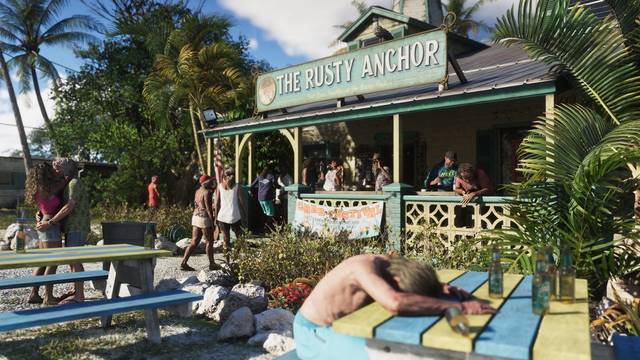
 © Rockstar Games / Take-Two Interactive
GTA 6 day-one patch: version, size and what we know
Confirmed said or shown by RockstarReported seen in press or creator previewsRumor unconfirmed
GTA 6 day-one patch at a glance
| Build | What we know | Status |
|---|---|---|
| 1.002.000 | Mandatory, rolled out before launch (around Nov 13), about 1 GB on PS5 | Reported |
| 01.002.001 | Follow-up build, reaching players in waves | Reported |
| Patch notes | None published by Rockstar as of November 17 | Confirmed |
| Preload | Up to 212 GB of free space | Confirmed |
Update 1.002.000: mandatory, about 1 GB
Update 1.002.000 reached consoles before launch, around November 13, and weighs about 1 GB on PS5. Reported The game does not start until it is installed.
A console left in rest mode with automatic updates turned on usually downloads it on its own. If you preloaded early and have not turned the console on since, check now rather than at midnight.
01.002.001: a second build, in waves
A build numbered 01.002.001 has been reported since, reaching players in groups rather than all at once. Reported If you do not see it yet while a friend does, a staggered rollout is the most likely reason. Do not reinstall the game for it.
What is in the patch? Unknown
As of November 17, Rockstar has published no patch notes for either build. Confirmed Lists of "fixes" or "leaked patch notes" shared on social media do not come from Rockstar.
We will add the official notes here if Rockstar publishes them, with the source.
How to make sure the patch is installed
PS5
- Settings › System › Power saving › Features available in rest mode: turn on Stay connected to the internet.
- Settings › Saved data and game/app settings › Automatic updates: turn on auto-download and auto-install in rest mode.
- Manual check: highlight GTA 6 on the home screen, press Options, then Check for update.
Xbox Series X|S
- Settings › General › Power options: choose Sleep so the console can update while off.
- Settings › System › Updates: turn on Keep my games and apps up to date.
- Manual check: My games & apps › Manage › Updates.
Keep some free space
The preload already needs up to 212 GB. Confirmed Patches install on top and can temporarily need extra room while they unpack, so keep a few dozen GB free. Short on space? The PS5 SSD and storage guide shows what to buy and what to delete.
If the update is stuck
A download frozen at a percentage, an "update required" message that will not go away or a crash at launch: our PS5 and Xbox troubleshooting guide lists the fixes in order. For the unlock hour in your country, see what time GTA 6 comes out.
Gear for this guide
Affiliate linksWhat players buy for this situation. Prices and stock are shown on the retailer's site.
- PS5 SSD (2 TB)GTA 6 needs up to 212 GB: add space in 5 minutesSee on Amazon
- PS5 consoleSlim, Pro and bundlesSee on Amazon
- GTA 6 on PS5Standard and special editionsSee on Amazon
- DualSense controllerA second pad or a spareSee on Amazon
Affiliate links: District VI earns a commission if you buy through them, at no extra cost to you. As an Amazon Associate I earn from qualifying purchases.
FAQ
Is the GTA 6 day-one patch mandatory?
Yes. Version 1.002.000 has to be installed to launch the game, which is why it went out before release, on top of the 212 GB preload.
How big is the GTA 6 day-one patch?
About 1 GB on PS5 for update 1.002.000. The Xbox size and the size of the later 01.002.001 build have not been reliably reported.
What does the GTA 6 day-one patch change?
Nobody knows. Rockstar has not published patch notes, and any list of fixes circulating online is guesswork.
How do I check which version of GTA 6 I have?
On PS5, highlight the game, press Options and choose Information. On Xbox, open Manage game and add-ons, then File info.